

GPT 이미지 1.5 대 나노 바나나 프로: 최초의 진정한 '프로덕션용' 이미지 모델 정면 대결
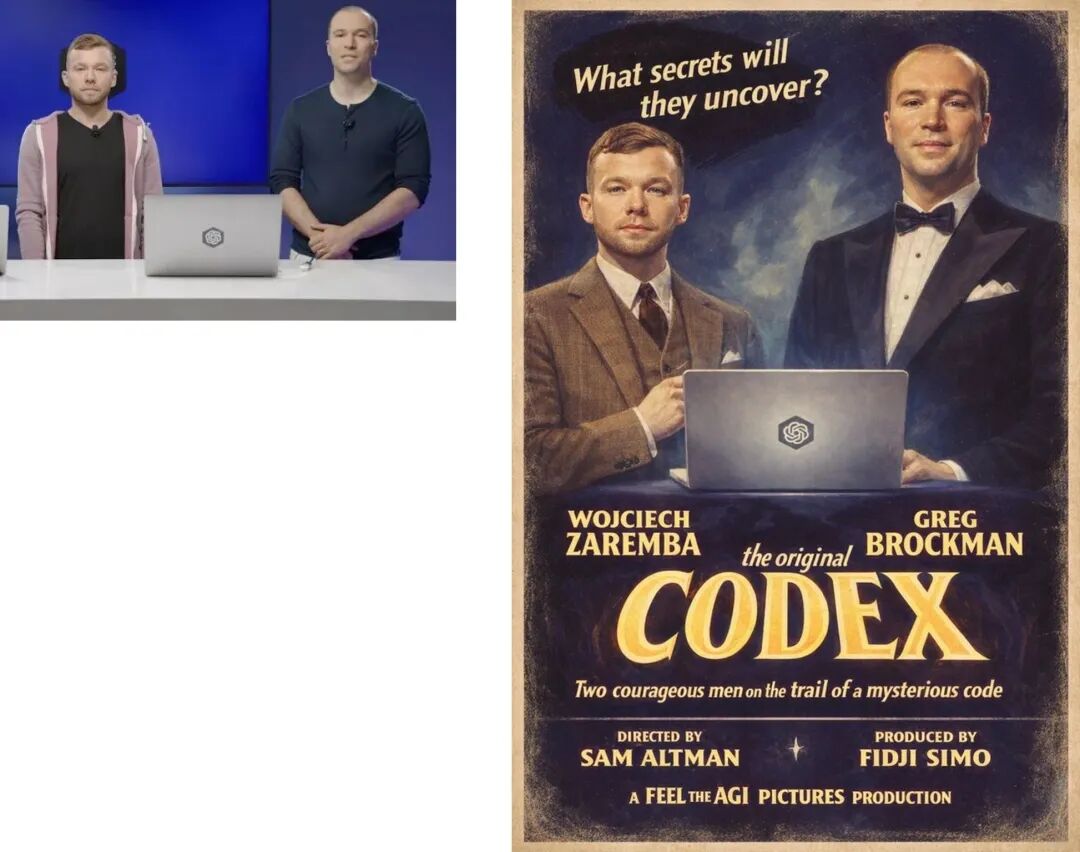
Two things can be true at once:
- OpenAI’s GPT Image 1.5 is a legit leap forward in instruction-following + iterative editing and is now shipping broadly inside ChatGPT with a dedicated Images space. (OpenAI)
- Google’s Nano Banana Pro (Gemini 3 Pro Image Preview, 2K variant) is still the model people point to when they need “studio-grade visuals + text rendering + consistency.”
If you’re in the US/EU and you care about getting usable assets fast (marketing, product, UI, docs, ads, thumbnails), this comparison isn’t about vibes. It’s about: what breaks less often.
What actually launched this week
OpenAI: ChatGPT Images + GPT Image 1.5
OpenAI rolled out a new Images experience inside ChatGPT and made the same model available via API as GPT Image 1.5. They’re pitching it as: stronger instruction following, more precise edits that preserve lighting/composition/likeness, improved dense text rendering, and up to 4× faster generation vs the previous version. (OpenAI)
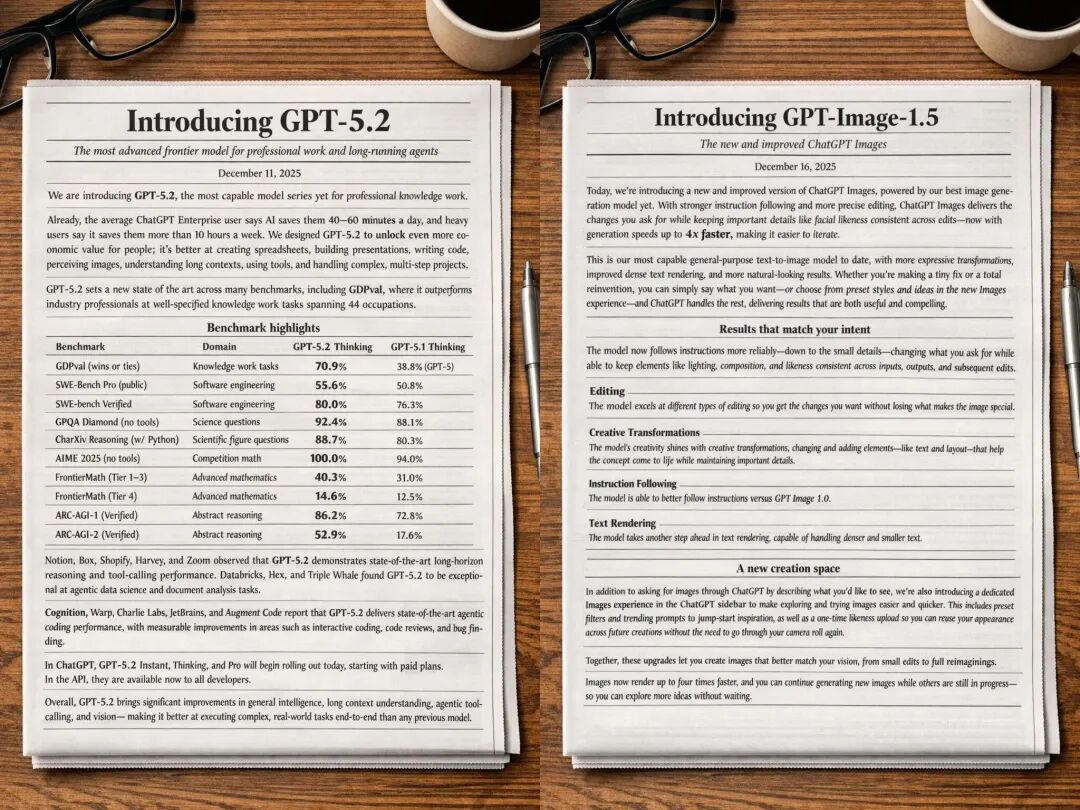
Developers also got API access + published pricing (text + image token pricing) and versioned snapshots like gpt-image-1.5-2025-12-16. (OpenAI Image)
Google: Nano Banana Pro is the benchmark to beat (and OpenAI knows it)
Most coverage frames GPT Image 1.5 as a direct response to Nano Banana Pro’s viral run—especially around “post-production” editing and text handling.
The scoreboard (blind votes): it’s close, and it depends on the task
If you’re tempted to crown a winner based on one leaderboard screenshot, don’t.
LMArena’s blind Image Edit Arena (updated Dec 16, 2025) shows chatgpt-image-latest (20251216) narrowly ahead of gemini-3-pro-image-preview-2k (nano-banana-pro) by a few points.
LMArena’s Text-to-Image Arena (also updated Dec 16, 2025) puts gpt-image-1.5 ahead of the 2K Nano Banana Pro variant as well.
Translation: OpenAI caught up fast. But “caught up” is not the same as “dominates in your workflow.”
Head-to-head: what you’ll feel in real use
1) Instruction following (complex layouts, lots of constraints)
GPT Image 1.5’s best story is reliability. OpenAI explicitly emphasizes “change only what you ask” and keep everything else stable across edits—lighting, composition, people’s appearance. (OpenAI)
That matters when you’re iterating on:
- product shots (swap background, keep product identical)
- ad variants (change headline, keep layout)
- character consistency across multiple edits (pose, wardrobe, scene)
Nano Banana Pro is also described as “studio-quality” with sophisticated editing, but in my experience it sometimes behaves like an art director with opinions—great when you want polish, annoying when you want strict compliance. The key point is: both are strong; GPT Image 1.5 is clearly optimized for “do exactly this, not more.”
My blunt take: if your prompt reads like a contract, GPT Image 1.5 is the safer bet.
2) Text rendering (posters, infographics, UI mockups)
This is where “almost good” is still useless.
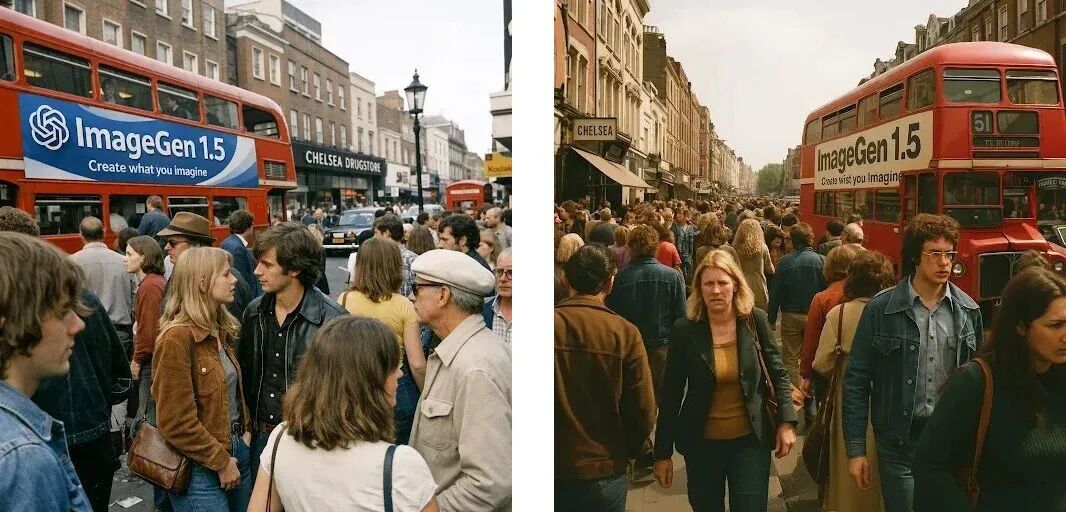
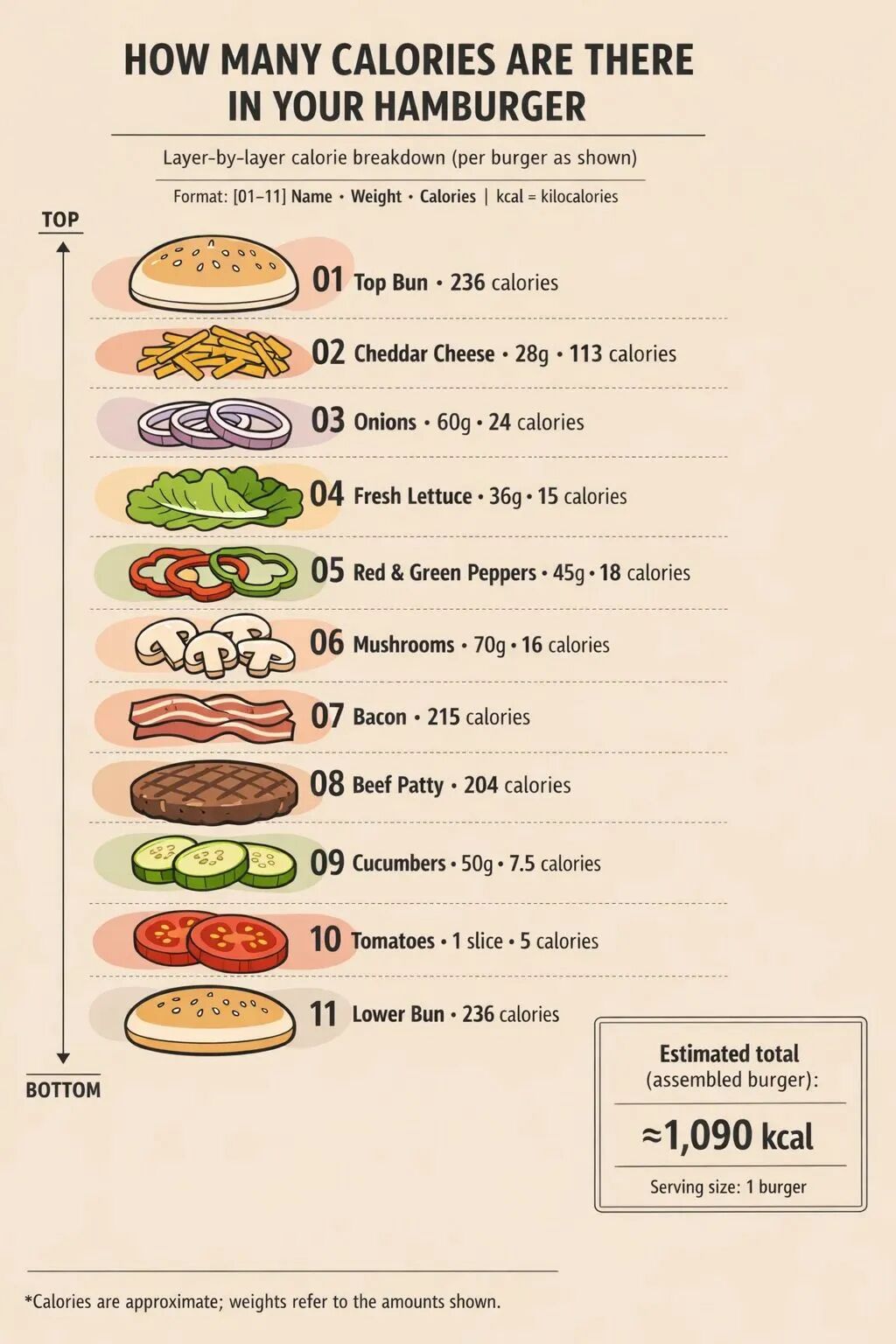
OpenAI claims improved dense text rendering and shows examples like converting a markdown-style article layout into an image. (OpenAI)
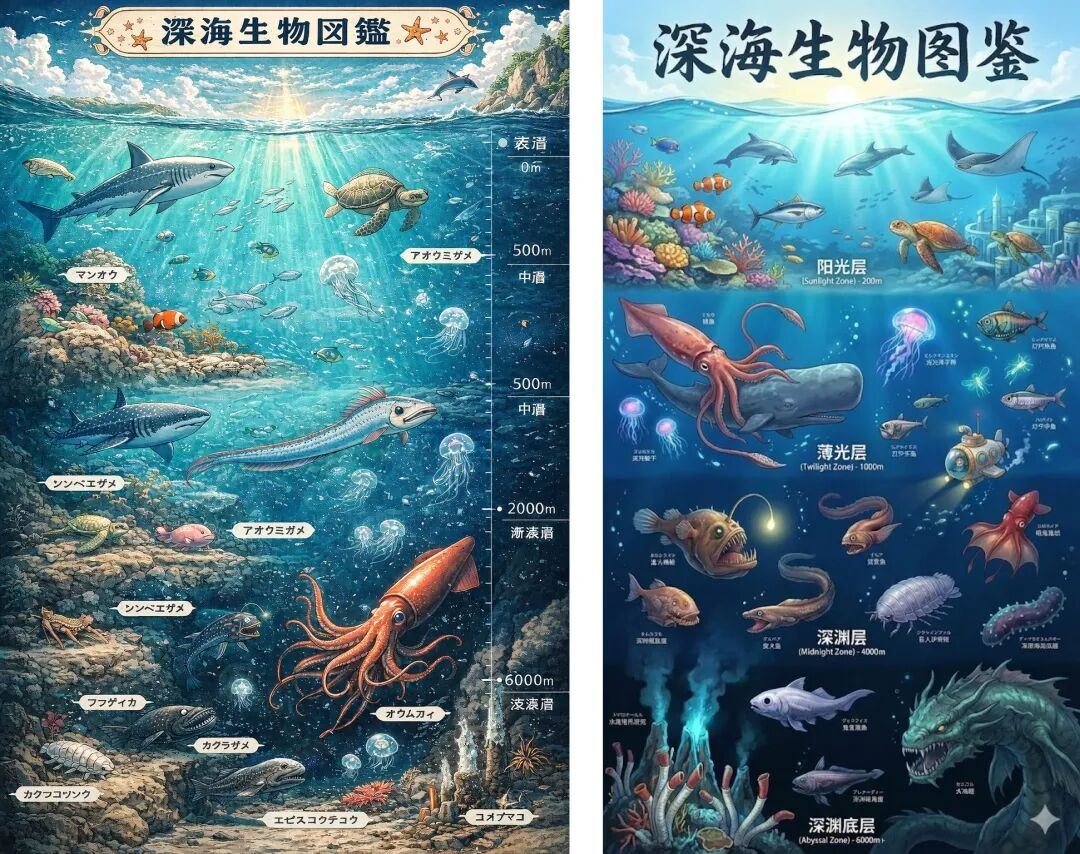
But Nano Banana Pro has been consistently framed as the model that impressed people specifically for accurate text rendering and “studio-quality visuals.”
My blunt take:
- If your deliverable is English-heavy (US/EU marketing copy, UI labels, documentation visuals), GPT Image 1.5 is now genuinely viable. (OpenAI)
- If you need multilingual text or lots of tiny type where errors kill the output, Nano Banana Pro still has the reputation edge in this week’s coverage.
3) Editing: “keep everything the same except X”
This is the “production” bar.
OpenAI’s announcement is unambiguous: edits should preserve what matters and avoid collateral changes. (OpenAI) TechCrunch’s coverage repeats the same theme—granular edit controls to maintain consistency (likeness, lighting, tone).
Nano Banana Pro is positioned similarly, but with an extra emphasis on high-end compositing and consistency when blending inputs.
My blunt take:
- GPT Image 1.5 feels like it was trained to be a design tool inside ChatGPT.
- Nano Banana Pro feels like it was trained to be a visual production engine that happens to take chat prompts.
4) Multi-image compositing & “keep multiple people consistent”
Quartz reports Google’s own billing: Nano Banana Pro can blend complex compositions using up to 14 images and keep consistency for up to five people, plus improved text for posters/diagrams.
OpenAI’s messaging leans more on “preserve likeness across edits” rather than quoting hard caps like “14 images.” (OpenAI)
My blunt take: if your workflow is “here are 10 reference shots, merge them cleanly,” Nano Banana Pro is the one that’s explicitly marketed for that.
The required nerd section: JSON prompt showdown (structured prompting)
A lot of teams are quietly moving to structured prompts because they want repeatable outputs (brand-safe, layout-safe, automation-friendly). So here’s a practical way to compare both models:
Test idea: “JSON-to-layout” poster generation
You don’t ask for an image with a poetic paragraph. You send layout specs.
Example JSON (simplified):
{
  "canvas": { "width": 1024, "height": 1536, "style": "clean editorial poster" },
  "grid": { "columns": 12, "margin": 64, "gutter": 16 },
  "palette": { "bg": "#0B1220", "accent": "#7C3AED", "text": "#F8FAFC" },
  "elements": [
    { "type": "title", "text": "Launch Week", "x": 64, "y": 96, "size": 96, "weight": 800 },
    { "type": "subtitle", "text": "Build. Ship. Iterate.", "x": 64, "y": 220, "size": 40, "weight": 600 },
    { "type": "badge", "text": "No Credit Card", "x": 64, "y": 320, "size": 28 },
    { "type": "cta", "text": "Try it free →", "x": 64, "y": 1250, "size": 44, "weight": 800 }
  ],
  "rules": [
    "Do not change wording.",
    "Text must be perfectly legible.",
    "Keep spacing consistent with the grid."
  ]
}
What you’ll usually see
- GPT Image 1.5 tends to do better when the job is: follow the spec and don’t freestyle, which matches OpenAI’s emphasis on instruction-following and precision edits. (OpenAI)
- Nano Banana Pro tends to shine when the job is: make it look like a finished ad, especially when text rendering quality is the bottleneck (and it’s repeatedly described as strong at text).
Why this matters
If you’re building tooling (templates, brand kits, automated creatives), JSON-ish prompting is how you stop playing “prompt roulette.” In that world, the “winner” is whichever model violates the spec less often.
Access & pricing (what it costs to integrate)
OpenAI has clear API pricing published for GPT Image 1.5 (text + image tokens) and snapshot versioning for stability. (OpenAI Image)
OpenAI also claims image inputs/outputs are 20% cheaper vs GPT Image 1 (useful if you’re doing volume). (OpenAI)
For Nano Banana Pro, the cost story is less consistent across sources this week (and often tied to Google product surfaces), so I won’t pretend you can spreadsheet it from headlines.
So which should you use?
Pick GPT Image 1.5 if you care about:
- strict instruction-following and “only change what I asked”
- iterative edits inside a ChatGPT workflow (the new Images space is clearly designed for this) (OpenAI)
- a developer-friendly integration path with explicit pricing + snapshots (OpenAI Image 1.5)
Pick Nano Banana Pro if you care about:
- “studio-quality” finish and text accuracy being the deciding factor
- heavy compositing (many inputs, multi-person consistency), since Google is explicitly marketing those capabilities
The non-cop-out answer
If you only want one model: use GPT Image 1.5 for structured, iterative workflows and switch to Nano Banana Pro when text or compositing becomes the failure point. That’s the most honest “production” advice based on what’s actually being emphasized in Dec 16–17 coverage and benchmarks. (OpenAI)
Would you like me to help you draft a specific prompt structure for testing the "instruction following" capabilities mentioned in the article?
목차
작성자

카테고리
Tags

뉴스레터
커뮤니티에 합류하세요
최신 소식과 업데이트를 이메일로 받아보세요